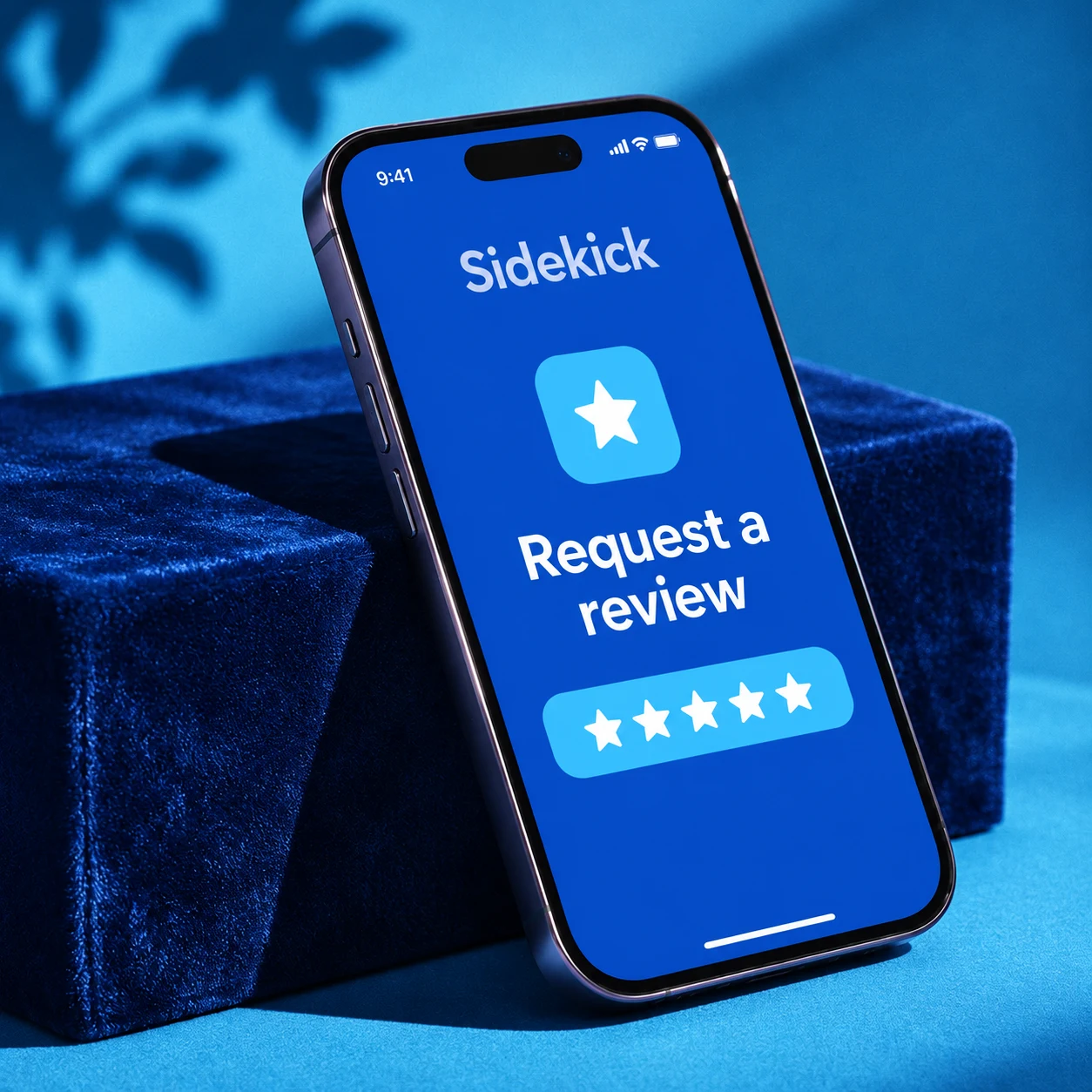
Reviews that feel personal.
Thank a customer for the job you just finished. Add a detail from the visit and a photo, then share a review request from your iPhone.
Meet Sidekick, the world’s easiest growth companion.
Reviews. Referrals. Follow-up.
Thank a customer for the job you just finished. Add a detail from the visit and a photo, then share a review request from your iPhone.
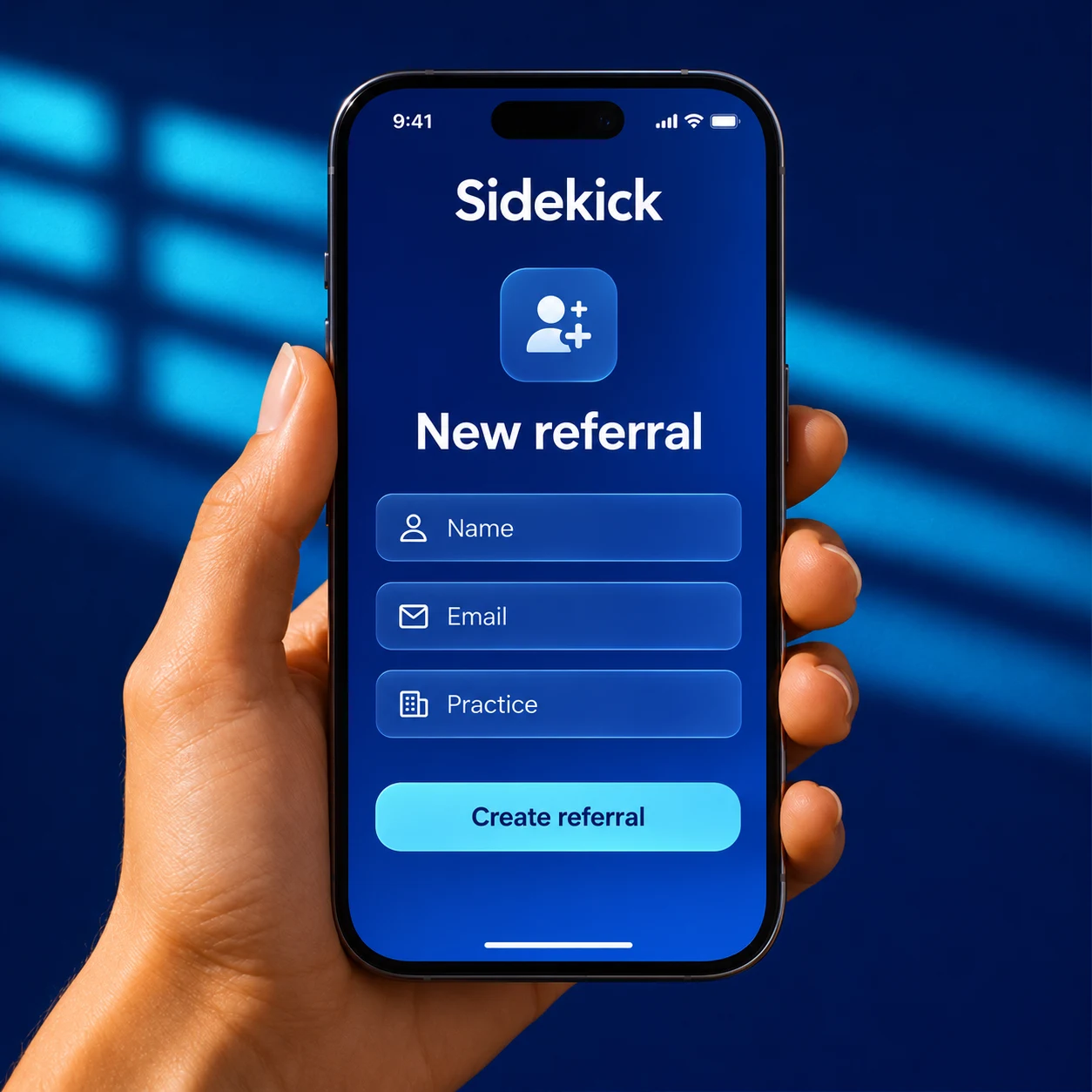
When a customer says “you should call my neighbor,” save the name, the introduction, and who should follow up.
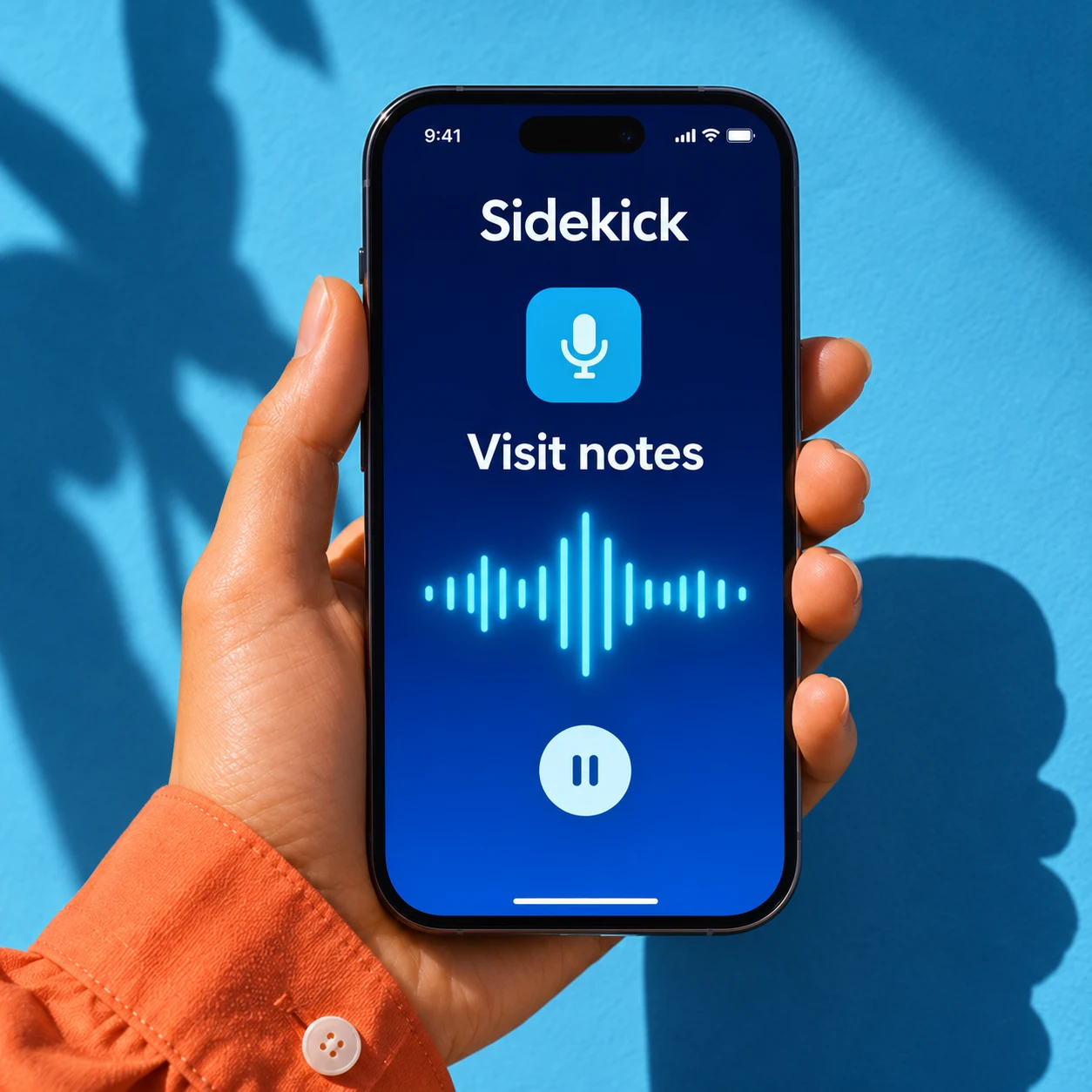
Dictate a note and add a photo before you head to the next job. Give your office the context it needs for the next call.
Use the activation code from your agency to connect a team member’s iPhone to the right setup.
Your agency can choose the logo, colors, and experiences that people see when they open Sidekick.
Send a personal request through Messages or start the review workflow your agency has configured.
Find an existing customer before adding notes, requesting a review, or capturing a referral.
Route captured details to a configured workflow or managed AI agent for follow-up.
A few things to know before your team gets started.
Sidekick is the Close247 iPhone app for customer-facing teams. It brings review requests, referrals, and visit notes into one place.
Service teams, local businesses, and agencies can use Sidekick to capture a customer conversation while the details are fresh.
Ask your agency administrator to configure your location and provide a device activation code. Enter that code when you first open the app.
Yes. Your agency can connect Sidekick to your existing HighLevel contacts and configure which workflows run after each action.
Yes. Include the customer’s name, a detail from your visit, or a personal image. Your setup determines which sending options are available.
Yes. Choose “Try Sidekick” to walk through a sample review request, referral, or visit note. The demo uses example customer details.
 Get Sidekick